How to Create Bundles on Shopify: The Ultimate Guide to Quantity Breaks & Bundle Deals (2026)
Learn how to create bundles on Shopify to boost AOV. From quantity price breaks to mix-and-match deals, discover the easiest strategies for product bundling without coding.

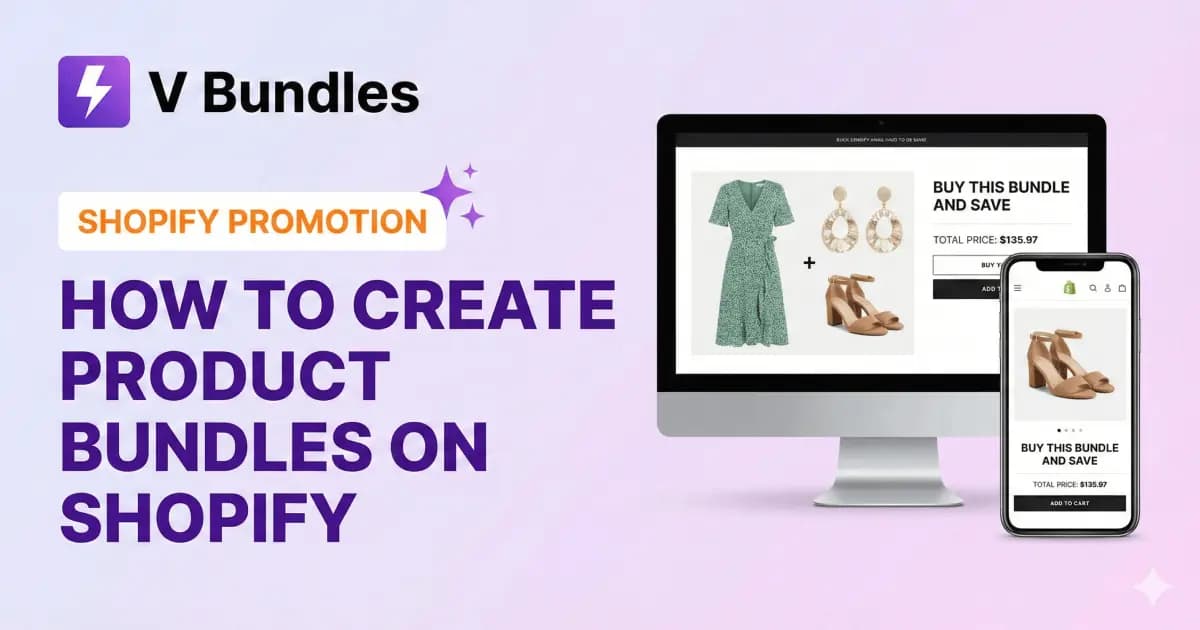
Most Shopify merchants know it costs less to sell more to an existing customer than to find a new one. That's why product bundling is so useful.
If you want to raise your Average Order Value (AOV), you've probably looked up how to create product bundles on Shopify or checked out bundling strategies. You're not alone. Bundling is a proven way to move inventory and boost revenue without spending more on ads.
This guide covers the most effective types of bundles, like quantity price breaks and Shopify bundle deals, and shows you how to set them up so they look professional in your store.
Why "Product Bundling" is Essential for Shopify Stores
Shopify product bundling strategies use psychology. When customers see offers like "Buy X, Get Y" or "Buy More, Save More," they feel like they're getting more value.
- Boost AOV: Get customers to spend $100 instead of $50.
- Clear Inventory: Pair slow-selling items with best-sellers to help them move.
- Reduce Shipping Costs: Shipping three items together in one box costs less than sending three separate orders.
3 High-Converting Bundle Strategies
Before we get into the details, it's important to know which type of bundle works best for your business.
1. Quantity Price Breaks (Volume Discounts)
This is similar to the Costco approach. You encourage customers to buy in bulk.
- Example: Buy 1 for $20, Buy 2 for $18 each, Buy 3 for $15 each.
- Best for: Consumables, essentials, and low-ticket items.
If you're looking for quantity breaks and discounts on Shopify, this is the strategy for you. It helps turn single-item buyers into bulk buyers.
2. Bundle Upsells (Frequently Bought Together)
This is like the Amazon model. You recommend products that go well together.
- Example: "Buying a camera? Add this lens and memory card for 15% off the total."
- Best for: Fashion, electronics, and hobby stores.
3. Subscription Bundles
This is the best way to get recurring revenue. It combines product bundling with subscriptions, so customers return automatically.
How to Create Product Bundles on Shopify
To create bundles in Shopify, you usually have two options: the manual way, which can be messy, or using an app, which is automated.
The Problem with "Native" Shopify Bundling
Shopify has improved its bundling features, but the built-in options are often limited in design. They can cause inventory issues or need complicated coding in your theme's Liquid files to look good.
The Solution: Making Bundles Look Good (Without Coding)
To set up Shopify product bundling well, especially for visual offers like quantity price breaks, you need a solution that fits your brand and doesn't feel like an awkward add-on.
Standard bundling apps look "foreign" on their store. They often require messing with code to match fonts or colors, and the setup can take hours.
That's where V Bundles stands out.
V Bundles is designed to look seamless and be very easy to use. You don't need a developer or any coding skills to get started.
Why merchants prefer V Bundles:
- Visual Editor & Live Preview: See how your bundle widget will look before you publish it. You can adjust colors, text, and styles in real time to match your store's branding.
- Beautiful Pre-made Themes: If you don't want to design from scratch, pick from our library of professionally designed themes, like Coral, Midnight, or Sage. They look great on any Shopify 2.0 theme.
- Set Up in Minutes: Just select your products, choose your discount rules, like "Buy 2 Get 10% Off," and you're live. The interface is simple, clean, and helps you get back to selling fast.
Step-by-Step: Creating Your First Bundle
- Install the App: Add V Bundles to your store.
- Select Your Widget Type: Choose between "Quantity Breaks" or "Bundle Upsells."
- Set Your Rules: Define your tiers (e.g., Buy 2 get 10% off).
- Customize the Look: Use the visual editor to match the widget with your brand's colors.
- Publish: The bundle widget automatically appears on your product pages.
Conclusion
Getting good at Shopify bundling is one of the best ways to boost your revenue this quarter. Whether you try simple quantity price breaks or more creative bundle deals, the goal is to make your offer irresistible and the shopping experience easy.
You shouldn't have to deal with complicated settings just to offer a discount. If you want a tool that does the hard work and keeps your store looking professional, V Bundles could be a good fit for your shop.
Explore V Bundles on the Shopify App Store
Continue Learning:
- The Complete Guide to Quantity Breaks and Volume Discounts
- 12 Proven Strategies to Increase AOV in 2026
- Getting Started with Product Bundles
Need Help? Our support team responds in under 2 hours. Contact us →
Did you find this article helpful?